

Why test your agent?
Testing your agent directly from the editor allows you to quickly validate changes made to the conversational flow, the agent’s responses, and the integration with external services. This is especially useful during the development phase, as you can identify and correct errors or improve the user experience without needing to publish a new version of the agent every time you make a change. Additionally, this feature is available without needing to import or buy any phone number.Minutes consumed during tests in the editor will count towards your plan’s usage calculation, just like real calls.
How to test your agent?
In the side menu of the agent editor, you will find a tab called “Test”. Clicking on it will open the test section.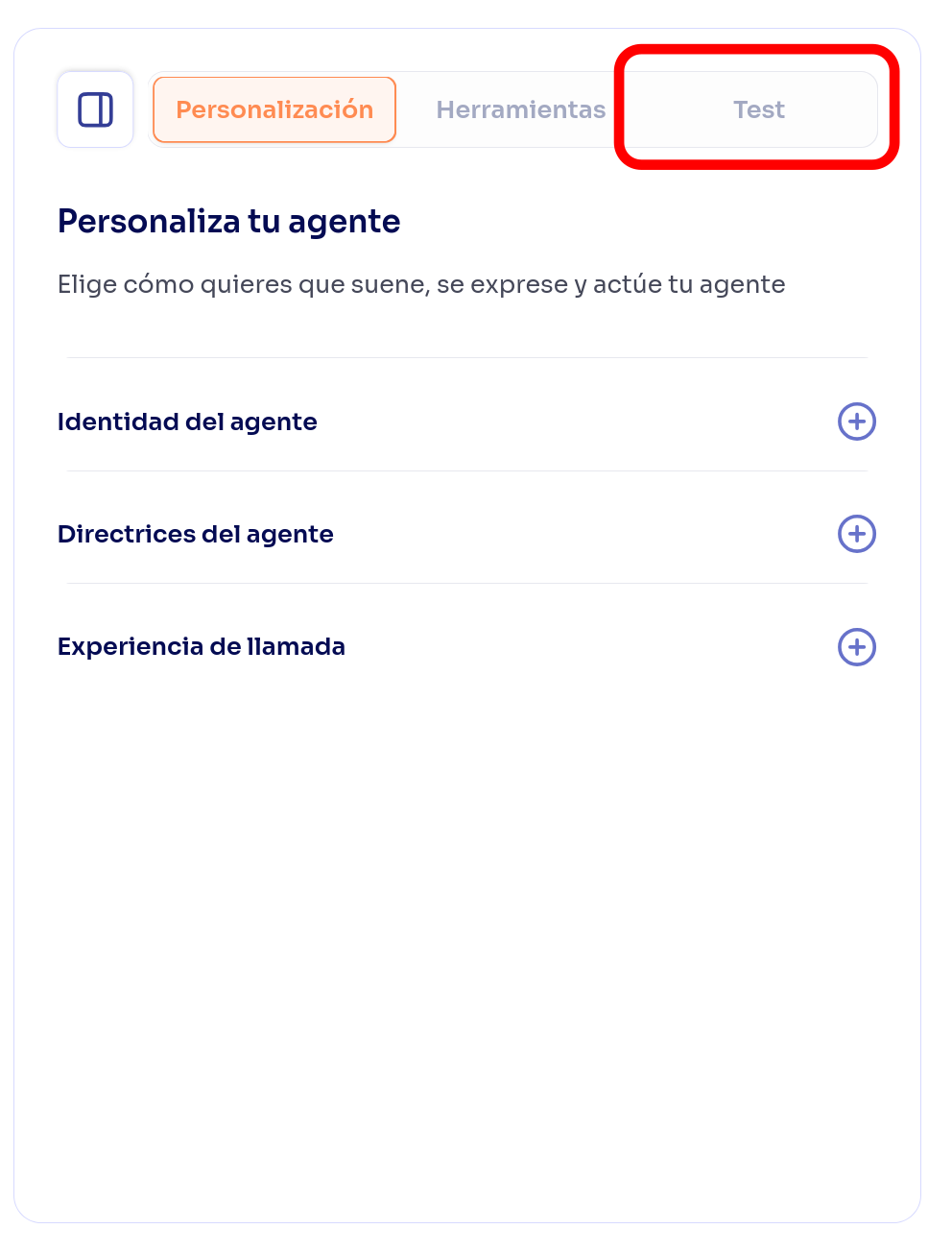
Ensure you have a microphone and speakers connected and configured in your browser to interact with the agent during the test call.
Final considerations
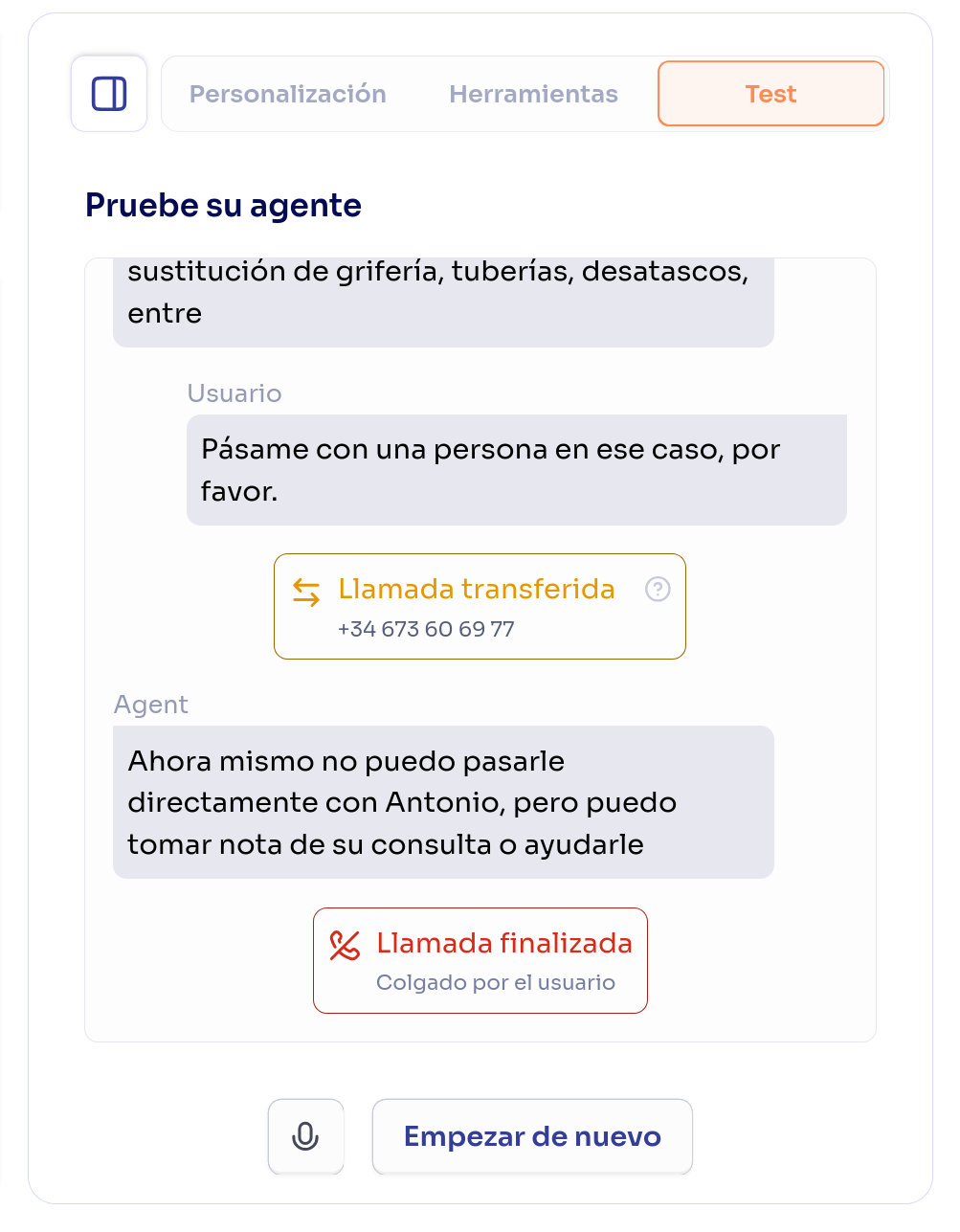
Please note that tests performed in the editor are not real phone calls, so features specific to telephony (such as call transfers) work differently in the testing environment. Below are some important differences:- Hanging up a call: In a real call, once the call is over, the user hangs up and the call terminates. In the test environment, clicking “End test” will end the call, but you will still be able to view the transcript until you close the test tab or start a new test call.
- Call transfer: In a real call, if the agent transfers the call to another number, the call is redirected to that number; if someone answers, the call continues with the new speaker; if no one answers, the call returns to the agent. In the test environment, when reaching a transfer node, the call is always continued by the agent, as if no one had answered the transfer.