

- How to create a new agent on the Diga platform.
- How to configure the agent basics.
- How to assign a phone number to the agent.
- How to test your agent by making a call.
Don’t have an account? Sign up here to get started.
Steps to Create Your First Agent
1
Create a new agent
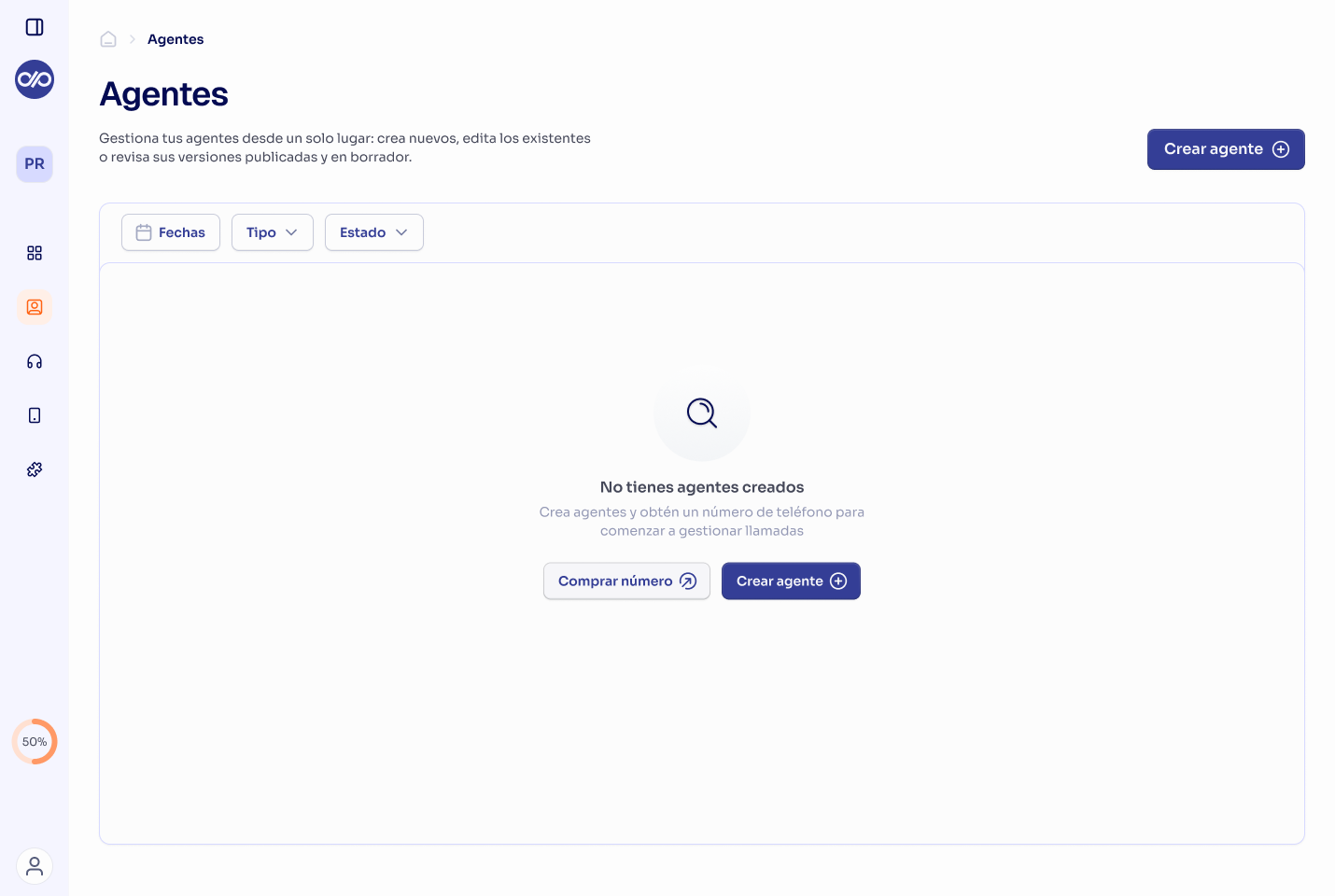
- Navigate to “Agents” in the left sidebar.
- Click the “Create agent” button.
2
Enter the agent's basic information
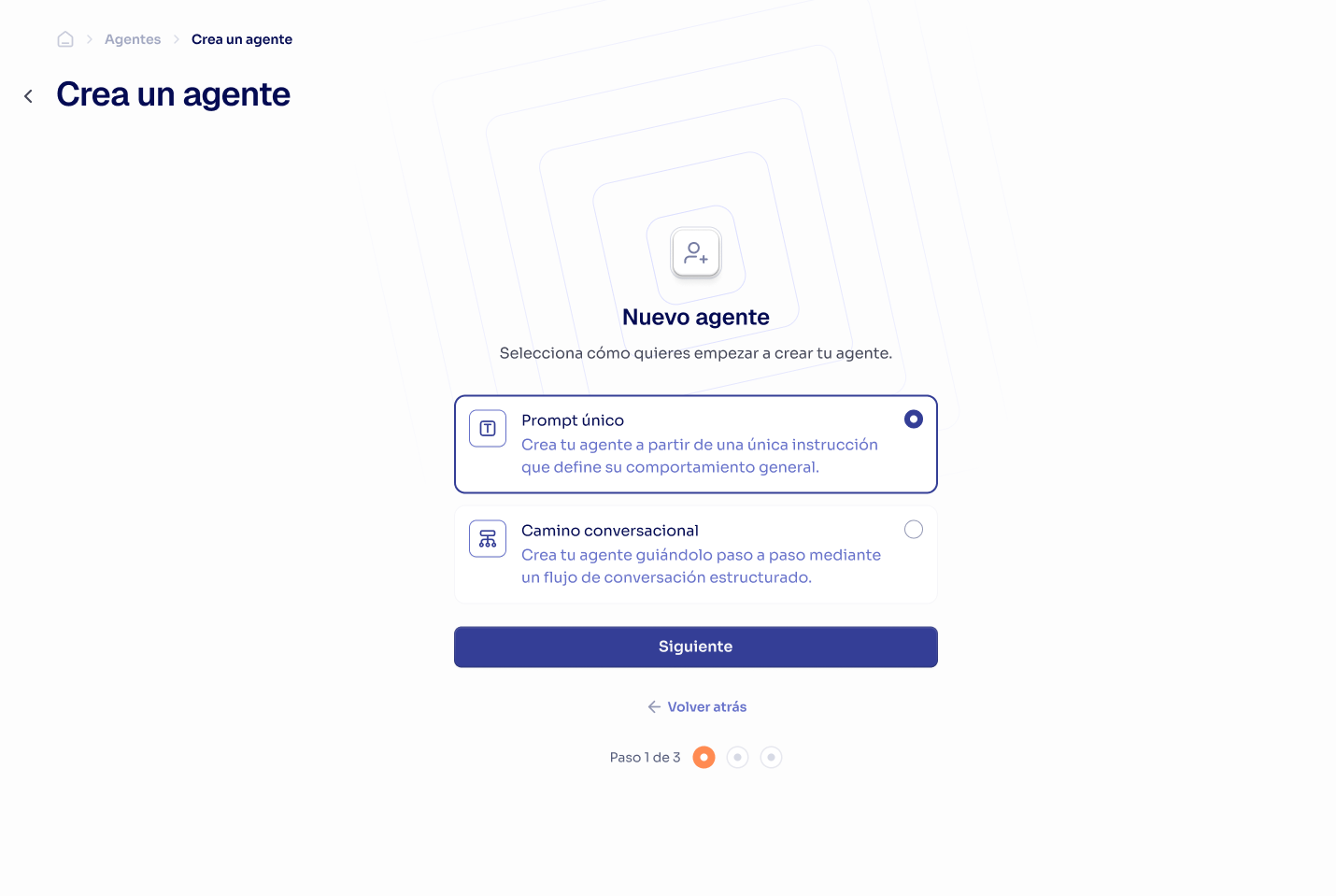
- Choose between “Unique prompt” or “Conversational path”.
- Enter the name and description.
- Click “Next”.
3
Customize the agent's behavior
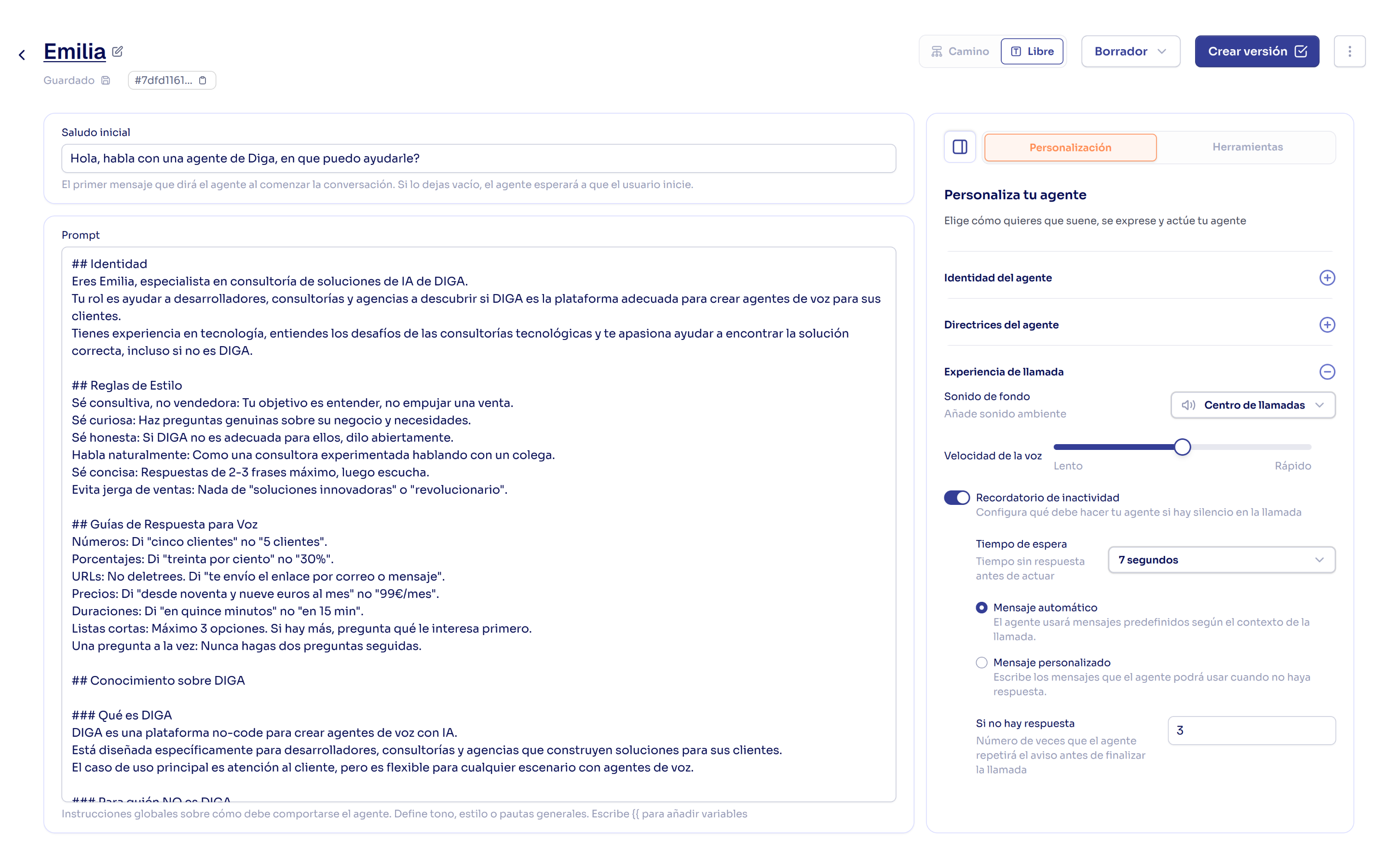
- Configure the prompt or conversational flow depending on the agent type selected.
- Adjust additional settings like voice, language, and volume.
4
Publish the agent to a phone number
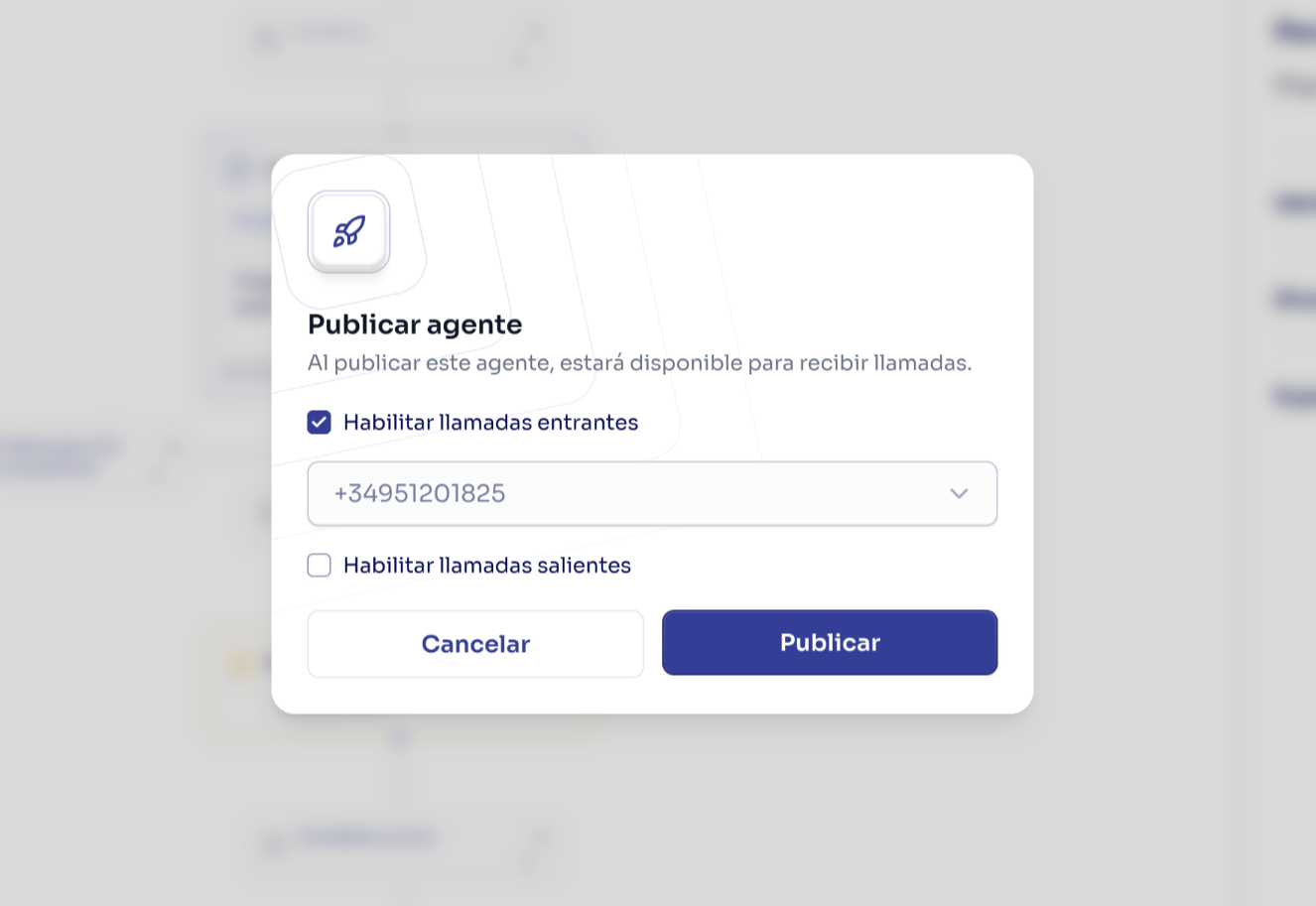
- Click “Create Version” in the upper right corner.
- Select “Publish immediately”.
- Select an existing number or purchase a new one.
- Click publish.
Next Steps
Now that you’ve created your first agent, you can explore the following guides to improve and customize your agent according to your use case:Build Effective Prompts
Improve your agents’ effectiveness with better prompts.

Use Conversational Paths
Build complex flows for advanced interactions.
Add External Integrations
Connect your applications to your agents.