> ## Documentation Index
> Fetch the complete documentation index at: https://docs.diga.io/llms.txt
> Use this file to discover all available pages before exploring further.
# Node Types
> Complete guide to the six types of nodes available in conversational paths and when to use each one
## Introduction
Nodes are the fundamental building blocks of a conversational path. Each node type has a specific purpose and unique capabilities. Choosing the right node type for each step of your flow is key to creating effective agents.
Begins the conversation
Generates dialogue with the user
Executes API calls
Executes a workflow
Transfers to another number
Ends the call
## Start Node
### Description
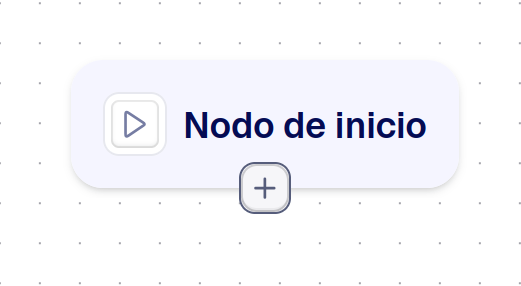
The start node is the entry point for every conversational path. It's the first node that executes when a call begins.
**Unique and mandatory**
Each conversational path must have exactly one start node. You cannot have multiple start nodes or delete the start node.
 ### Features
* Indicates initial behavior: greet first or wait for the user to speak
* Can only be connected to a single conversation node
* Doesn't generate dialogue by itself; the next node handles that
### Configuration
* **Wait for user**: If affirmative, waits for the user to speak first
* **Wait time**: Time in milliseconds until the agent speaks
## Pre-call Flows
### Description
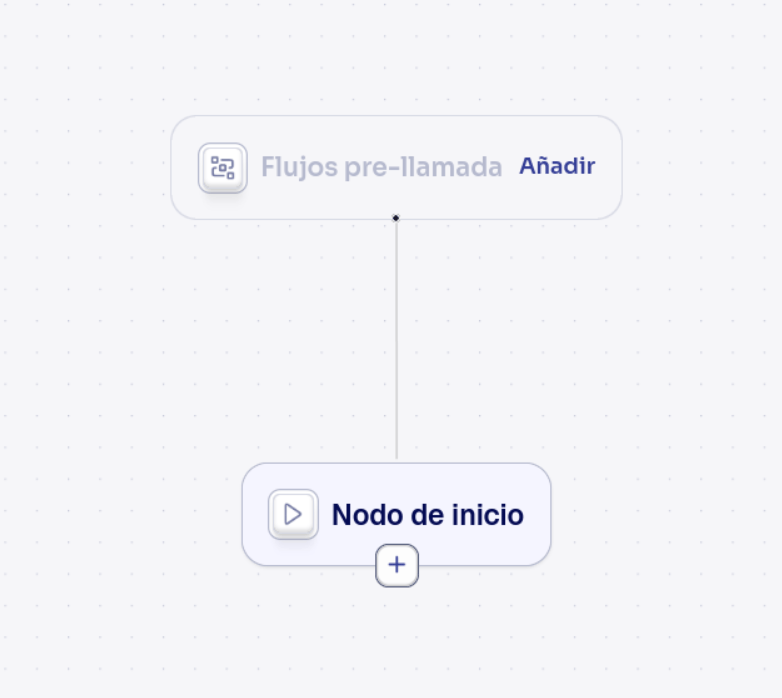
The **Pre-call flows** node sits directly above the [start node](#start-node). It isn't one of the building blocks you place inside the conversation — instead, it holds the [pre-call flows](/en/build/flows/pre-call-flows) that run **before the path begins**, the moment the call starts. It's the path-agent equivalent of assigning pre-call flows in a single-prompt agent's Workflows section.
### Features
* Indicates initial behavior: greet first or wait for the user to speak
* Can only be connected to a single conversation node
* Doesn't generate dialogue by itself; the next node handles that
### Configuration
* **Wait for user**: If affirmative, waits for the user to speak first
* **Wait time**: Time in milliseconds until the agent speaks
## Pre-call Flows
### Description
The **Pre-call flows** node sits directly above the [start node](#start-node). It isn't one of the building blocks you place inside the conversation — instead, it holds the [pre-call flows](/en/build/flows/pre-call-flows) that run **before the path begins**, the moment the call starts. It's the path-agent equivalent of assigning pre-call flows in a single-prompt agent's Workflows section.
 ### Features
* **Always present**: shown on every path and can't be deleted (even with no flows added)
* **Runs before the path**: its flows execute before the start node, while the call is connecting
* **Multiple flows**: you can add more than one pre-call flow
* **Personalizes the call**: pre-call flows can add to the agent's prompt and set dynamic variables used throughout the path
### Configuration
* Click the node (or its **Add** button) to open the picker, which lists only pre-call flows — workflows that use the **Pre-Call** trigger.
* Add the flows you want to run. Each must be **published** and **enabled**.
Pre-call flows can return dynamic variables that you then use in node prompts and branch conditions with the `{{variable}}` syntax. See [Pre-call Flows](/en/build/flows/pre-call-flows) and [Dynamic Variables](/en/build/agents/dynamic-variables).
## Conversation Node
### Description
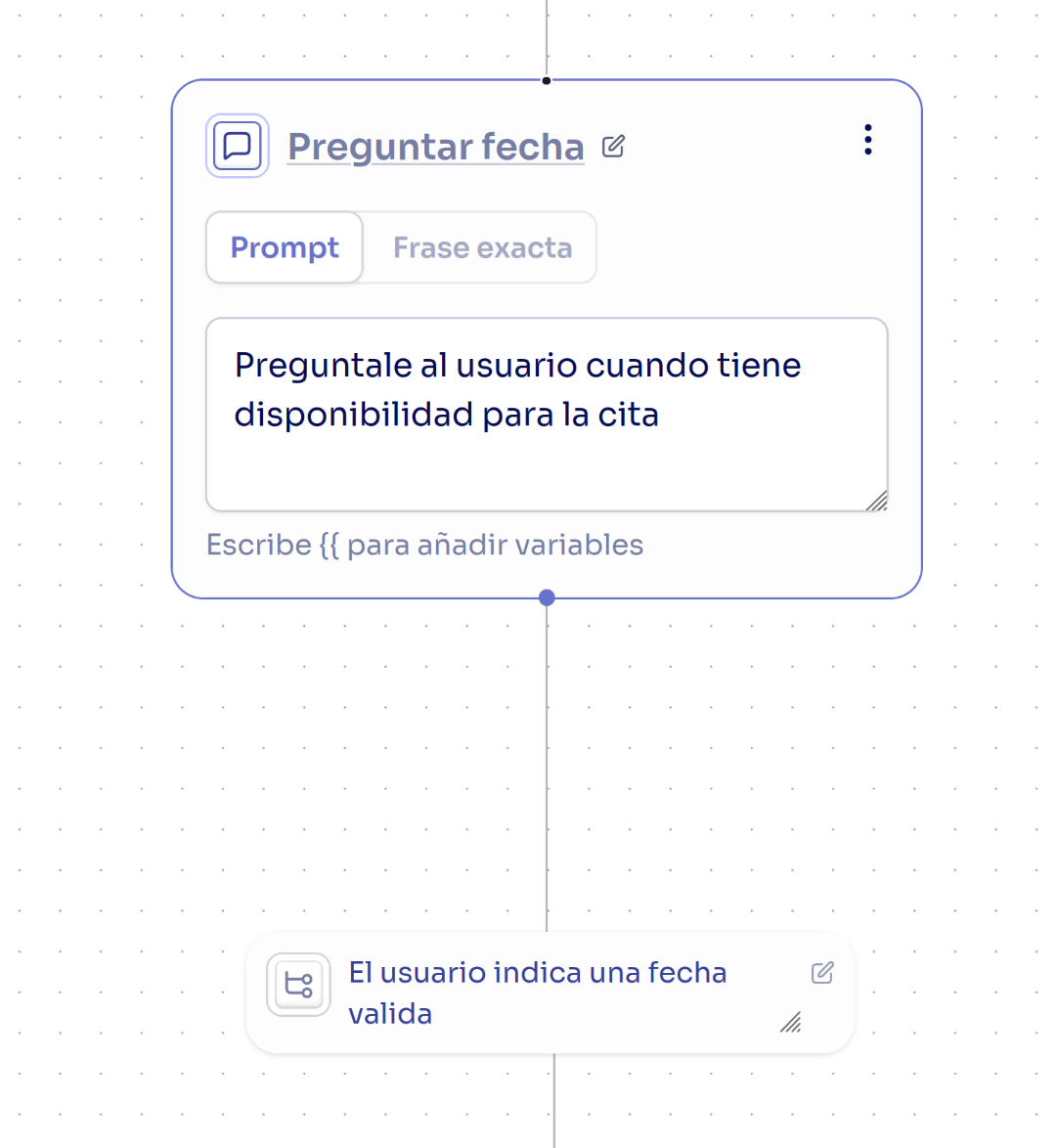
Conversation nodes are the heart of interaction. They generate dialogue, ask questions, and respond to user needs. Most nodes in a conversational path will be of this type.
Keep in mind that the agent can maintain a multi-turn conversation within a single node, so it's not necessary to create a new conversation node for every phrase the agent needs to say. It's recommended to split the node when there's a logical division or when the instruction becomes too long.
### Features
* **Always present**: shown on every path and can't be deleted (even with no flows added)
* **Runs before the path**: its flows execute before the start node, while the call is connecting
* **Multiple flows**: you can add more than one pre-call flow
* **Personalizes the call**: pre-call flows can add to the agent's prompt and set dynamic variables used throughout the path
### Configuration
* Click the node (or its **Add** button) to open the picker, which lists only pre-call flows — workflows that use the **Pre-Call** trigger.
* Add the flows you want to run. Each must be **published** and **enabled**.
Pre-call flows can return dynamic variables that you then use in node prompts and branch conditions with the `{{variable}}` syntax. See [Pre-call Flows](/en/build/flows/pre-call-flows) and [Dynamic Variables](/en/build/agents/dynamic-variables).
## Conversation Node
### Description
Conversation nodes are the heart of interaction. They generate dialogue, ask questions, and respond to user needs. Most nodes in a conversational path will be of this type.
Keep in mind that the agent can maintain a multi-turn conversation within a single node, so it's not necessary to create a new conversation node for every phrase the agent needs to say. It's recommended to split the node when there's a logical division or when the instruction becomes too long.
 ### Instructions
There are two main ways to define the behavior of a conversation node:
1. **Prompt**: the text field is used to give instructions about what the agent should do at this point in the conversation. This is the recommended way to generate responses, as it makes the conversation more human and natural.
2. **Fixed text**: instead of using a prompt, you can define a fixed text that the agent will say exactly as written. This is useful for standard messages or information that shouldn't change.
### Variables in Prompts
You can use dynamic variables in your prompts to personalize the conversation:
```markdown theme={null}
Prompt:
Hi {{customer_name}}, I see that your last order {{order_number}}
was shipped on {{shipping_date}} and should arrive by {{estimated_date}}.
Is there anything specific about this order you'd like to ask?
```
## Tool Node
### Description
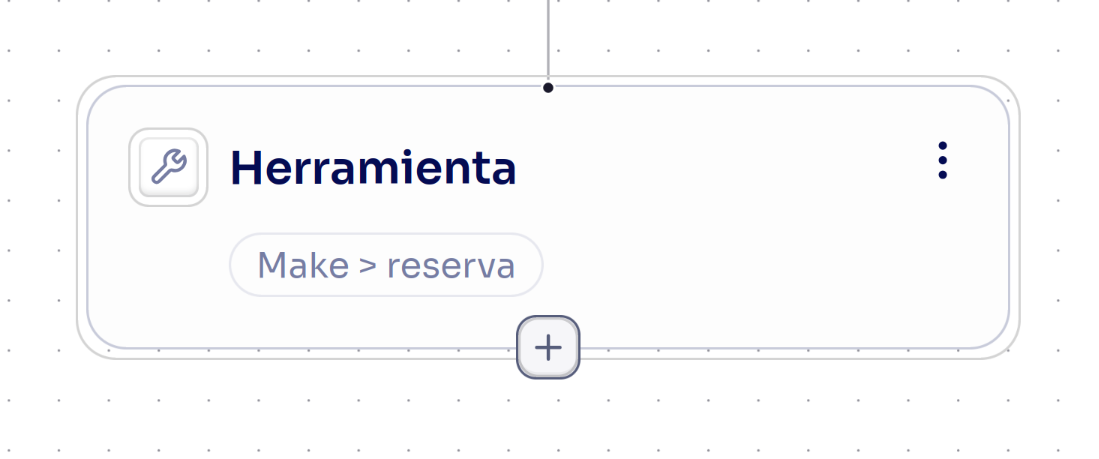
Tool nodes execute calls to external APIs, webhooks, or any external system integration. They're fundamental for connecting your agent with your services.
In this node, you must choose the tool to use. The tool is selected from created integrations, with only one tool allowed per node.
### Instructions
There are two main ways to define the behavior of a conversation node:
1. **Prompt**: the text field is used to give instructions about what the agent should do at this point in the conversation. This is the recommended way to generate responses, as it makes the conversation more human and natural.
2. **Fixed text**: instead of using a prompt, you can define a fixed text that the agent will say exactly as written. This is useful for standard messages or information that shouldn't change.
### Variables in Prompts
You can use dynamic variables in your prompts to personalize the conversation:
```markdown theme={null}
Prompt:
Hi {{customer_name}}, I see that your last order {{order_number}}
was shipped on {{shipping_date}} and should arrive by {{estimated_date}}.
Is there anything specific about this order you'd like to ask?
```
## Tool Node
### Description
Tool nodes execute calls to external APIs, webhooks, or any external system integration. They're fundamental for connecting your agent with your services.
In this node, you must choose the tool to use. The tool is selected from created integrations, with only one tool allowed per node.
 ### Features
* **API execution**: Calls HTTP endpoints
* **No direct dialogue**: Doesn't generate conversation
* **Data processing**: Receives and processes responses from external services
* **Result-based transitions**: Following actions depend on the call's result
## Flow Node
### Description
Flow nodes execute [workflows](/en/build/flows/introduction) within the conversational path. Unlike tool nodes, which call a single API endpoint, flow nodes run multi-step automations that can chain multiple services together with logic and conditions.
### Features
* **API execution**: Calls HTTP endpoints
* **No direct dialogue**: Doesn't generate conversation
* **Data processing**: Receives and processes responses from external services
* **Result-based transitions**: Following actions depend on the call's result
## Flow Node
### Description
Flow nodes execute [workflows](/en/build/flows/introduction) within the conversational path. Unlike tool nodes, which call a single API endpoint, flow nodes run multi-step automations that can chain multiple services together with logic and conditions.
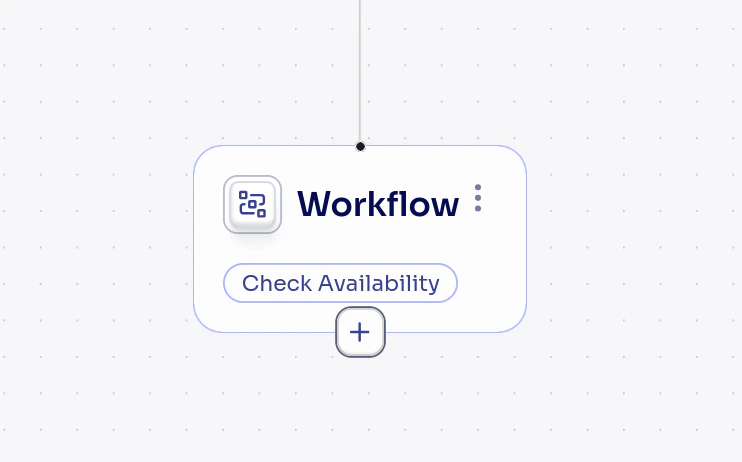 Flow nodes can be used in two ways depending on where they appear in the path:
* **[During call](/en/build/flows/during-call-flows)**: when placed in the regular flow of the conversation, they act like tool nodes but execute a full workflow instead of a single API call. The assigned workflow must use a **Function Call** trigger.
* **[Post-call](/en/build/flows/post-call-flows)**: when connected after an End node, they execute automatically once the call finishes. The assigned workflow must use a **Call Finished** trigger.
### Features
* **Multi-step execution**: runs an entire workflow, not just a single API call
* **No direct dialogue**: does not generate conversation (same as tool nodes)
* **During-call or post-call**: behavior depends on its position in the path
* **One workflow per node**: each flow node references a single workflow
### Configuration
* **Workflow**: select the workflow to execute from the list of available workflows in your project
Post-call flow nodes are terminal and cannot have outgoing branches. During-call flow nodes support result-based transitions like tool nodes.
## Transfer Node
### Description
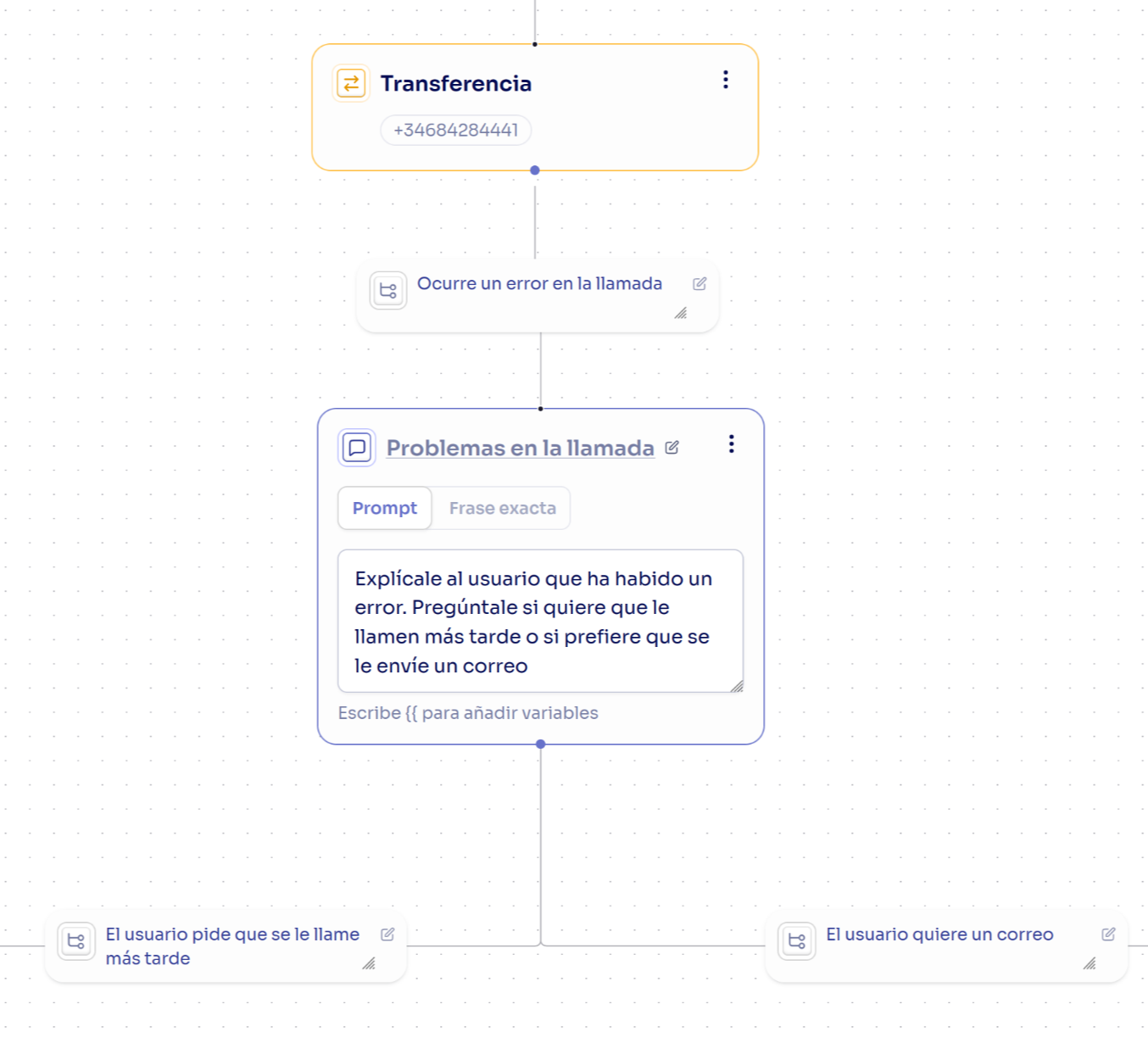
Transfer nodes redirect the call to another phone number or phone extension. Useful for escalating to human agents or specialized departments.
Flow nodes can be used in two ways depending on where they appear in the path:
* **[During call](/en/build/flows/during-call-flows)**: when placed in the regular flow of the conversation, they act like tool nodes but execute a full workflow instead of a single API call. The assigned workflow must use a **Function Call** trigger.
* **[Post-call](/en/build/flows/post-call-flows)**: when connected after an End node, they execute automatically once the call finishes. The assigned workflow must use a **Call Finished** trigger.
### Features
* **Multi-step execution**: runs an entire workflow, not just a single API call
* **No direct dialogue**: does not generate conversation (same as tool nodes)
* **During-call or post-call**: behavior depends on its position in the path
* **One workflow per node**: each flow node references a single workflow
### Configuration
* **Workflow**: select the workflow to execute from the list of available workflows in your project
Post-call flow nodes are terminal and cannot have outgoing branches. During-call flow nodes support result-based transitions like tool nodes.
## Transfer Node
### Description
Transfer nodes redirect the call to another phone number or phone extension. Useful for escalating to human agents or specialized departments.
 ### Features
* **Live transfer**: Passes the call to another number
* **Ends the flow**: Once transferred, the AI agent no longer participates
* **Failure handling**: If the transfer fails, there can be an alternative transition to another node
### Configuration
* **Destination number**: The number to which the call will be transferred.
* **Extension**: If you use a PBX system, you can define an internal extension. If you don't specify a destination number, the extension will be made with that same number.
## End Node
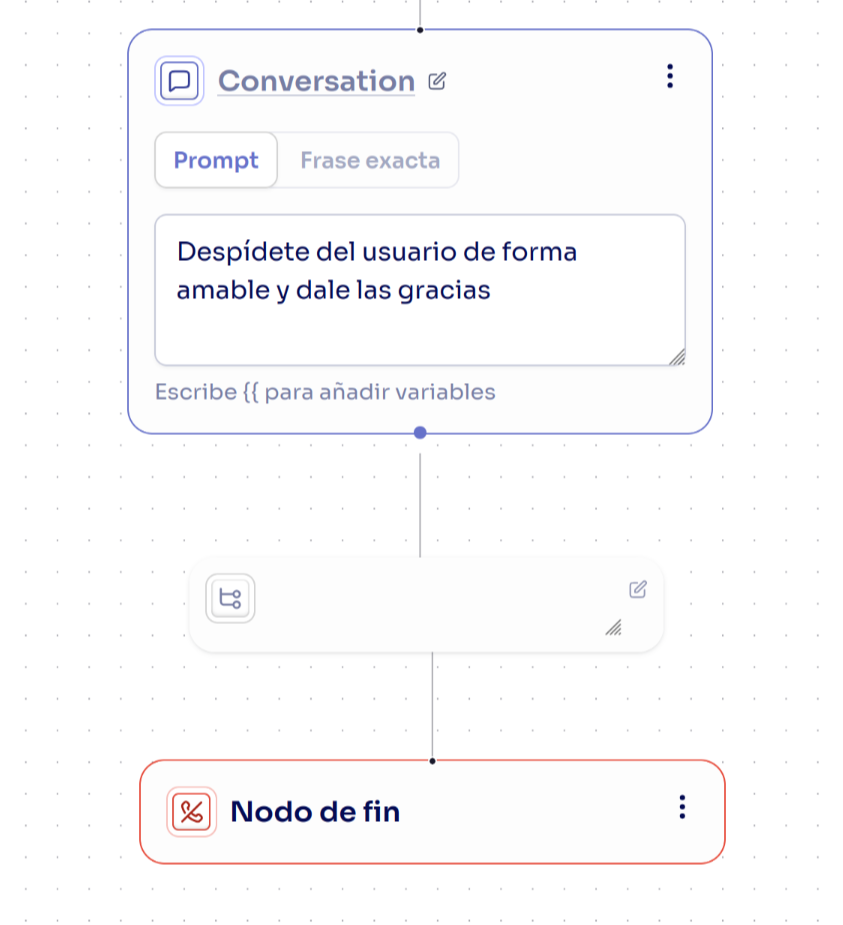
End nodes terminate the call in a controlled manner. They are the exit points of the conversational flow. For the agent to say a message before hanging up, a conversation node should be added before the end node.
### Features
* **Live transfer**: Passes the call to another number
* **Ends the flow**: Once transferred, the AI agent no longer participates
* **Failure handling**: If the transfer fails, there can be an alternative transition to another node
### Configuration
* **Destination number**: The number to which the call will be transferred.
* **Extension**: If you use a PBX system, you can define an internal extension. If you don't specify a destination number, the extension will be made with that same number.
## End Node
End nodes terminate the call in a controlled manner. They are the exit points of the conversational flow. For the agent to say a message before hanging up, a conversation node should be added before the end node.